Digital wellbeing apps don't all use the same tactic. Some block apps completely. Some add a short pause before an app opens. Others schedule downtime, cap how often you open an app or make it harder to break your own rules mid-session.
That difference matters, because the right tool depends on the problem. If you open Instagram on autopilot, a pause may work better than a hard block. If you keep overriding Apple's Screen Time limits, you may need a strict mode. If distraction follows you from phone to laptop, blocking across devices matters more than detailed iPhone stats.
We compared eight apps by approach, strictness, scheduling, platform coverage, free access and current price. We checked official product pages and US App Store listings in early November 2026. Company claims about hours saved are treated as marketing unless independent evidence backs them.
Digital Wellbeing Apps at a Glance
Here's the main approach behind each app and what you get for free.
| App | Main approach | Best for | Free access |
|---|---|---|---|
| Opal | Scheduled blocking, limits and focus sessions | Structured focus routines | Yes |
| one sec | A pause before apps open | Breaking automatic app-opening habits | One app free |
| ScreenZen | Delays, open limits and strict blocks | Highly customizable free controls | Yes |
| Freedom | App and website blocking across devices | Phone and computer distraction | Yes, Premium adds more |
| Roots | Limits, downtime and goal challenges | People motivated by goals and streaks | Yes |
| Jomo | Rules, blocks, limits and mindful breaks | Flexible Apple-device routines | Yes |
| ClearSpace | Pauses, limits and accountability | Intentional social media use | Yes |
| AppBlock | Strict blocking, allowlists and schedules | Hard-to-bypass restrictions | Yes |
Why Not Just Use Apple's Screen Time?
Apple's Screen Time already offers app limits and downtime. A third-party app helps when you want a different mechanism. That could be a forced pause, stronger override protection, an accountability partner, more complex schedules, blocking across devices or a clearer view of distracting apps.
The useful question isn't whether an app has more buttons. It's whether its approach fixes the reason your built-in limit is so easy to ignore.
1. Opal: Best for Structured Focus Sessions and Schedules

Opal combines app blocking, app limits, scheduled focus sessions, screen time reports and stricter modes. Those modes make impulsive overrides harder. It runs on iPhone and Mac, and the company has documented plans for more platforms.
The free version covers basic focus and screen time tools. Pro unlocks deeper blocking and automation. In the App Store, plans include $19.99 a month or $99.99 a year, with weekly options too.
Where It Fits
Opal is strongest if you want a structured daily schedule, not a single "block Instagram now" button. Its deep focus features are meant for times when you want fewer escape routes.
Best fit: Work, study and planned screen-free periods.
2. one sec: Best for Adding Friction Instead of Blocking
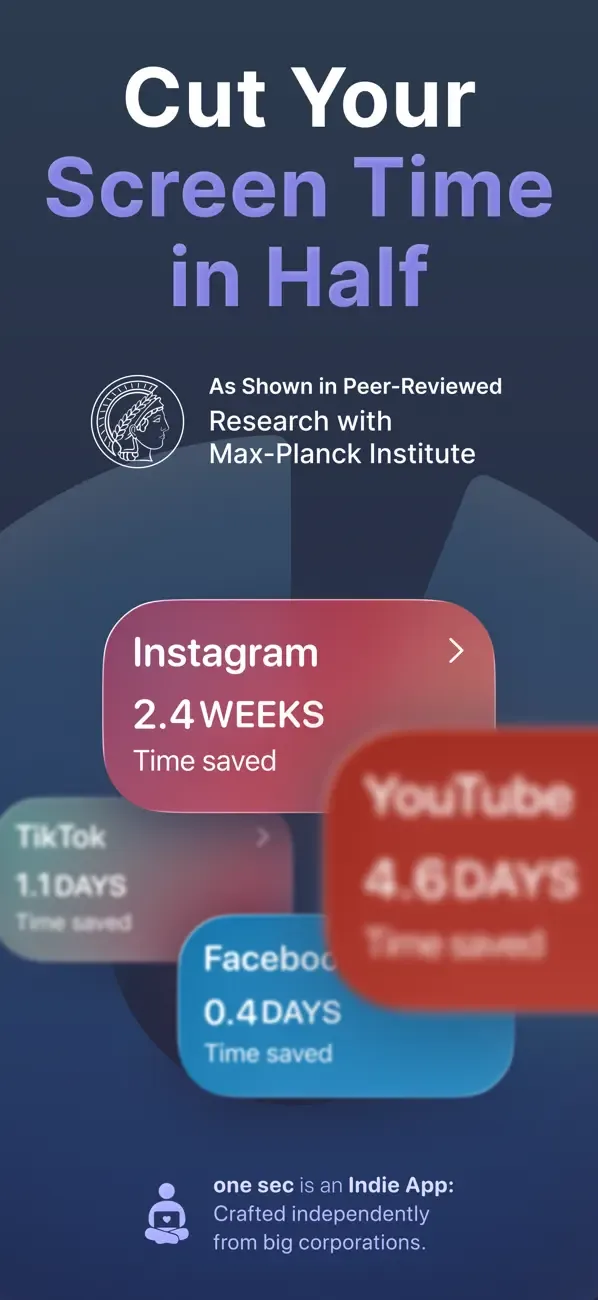
one sec is built around one idea: a pause before a distracting app opens. You get a moment to decide whether opening the app is intentional, instead of being blocked every time.
You can set up one target app for free. Pro covers more apps and features. The US App Store lists $6.99 a month, $19.99 a year and $99.99 lifetime for individual Pro plans.
Where It Fits
This suits people who don't want to quit social media entirely. The pause interrupts the habit without making the app unavailable.
Best fit: Habitual, unthinking app opening.
3. ScreenZen: Best Free Customizable Option
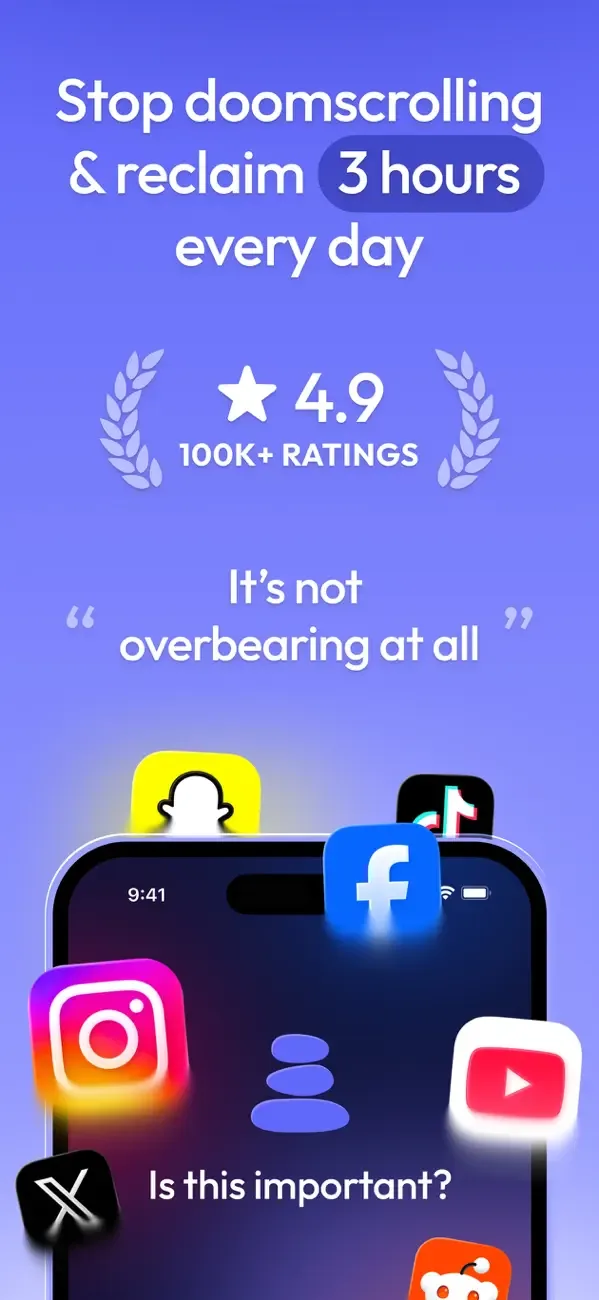
ScreenZen gives you several ways to cut back. You can add delays before opening, short access windows, daily goals, open limits, strict blocks and locked settings. Rules can differ by app, day and time.
The app is free. Instead of a subscription, it offers optional tips.
Where It Fits
It's unusually flexible for a free app. That makes it good for experimenting with different approaches before committing to one.
Best fit: People who want strong controls without a recurring fee.
4. Freedom: Best for Blocking Distractions Across Devices

Freedom's big advantage is reach. It blocks apps and websites across phones, tablets and computers, with scheduled sessions that sync between devices.
There's a free version, and Premium adds full cross-device use and advanced scheduling. The listing offers a 7-day Premium trial, then $39.99 a year, with other plans shown at times.
Where It Fits
Freedom beats an iPhone-only tool when distraction jumps to your laptop the moment your phone is blocked.
Best fit: People who need the same focus rules on mobile and desktop.
5. Roots: Best for Goals, Downtime and Challenges
Roots combines app blocking with daily goals, screen time trends, streaks and scheduled downtime. It also has a Monk Mode that makes your chosen blocks hard to undo until the time runs out.
The free app covers the core controls. Roots Plus adds premium features, with US plans that include $9.99 a month and $59.99 a year.
Where It Fits
Roots works for people who respond to streaks and visible progress. If gamified goals put you off, a quieter blocker such as Freedom or Jomo may suit you better.
Best fit: Goal-driven people who want stronger commitment tools.
6. Jomo: Best for Flexible Rules on Apple Devices

Jomo lets you block apps and websites, set schedules and limits, and take mindful breaks. It runs on iPhone, iPad and Mac, which helps if you live mostly in Apple's ecosystem.
US pricing is $5.99 a month, $29.99 a year or $99.99 lifetime. The annual plan currently includes a short free trial.
Best fit: Apple users who want detailed rules across phone, tablet and Mac.
7. ClearSpace: Best for Accountability and Intentional Sessions
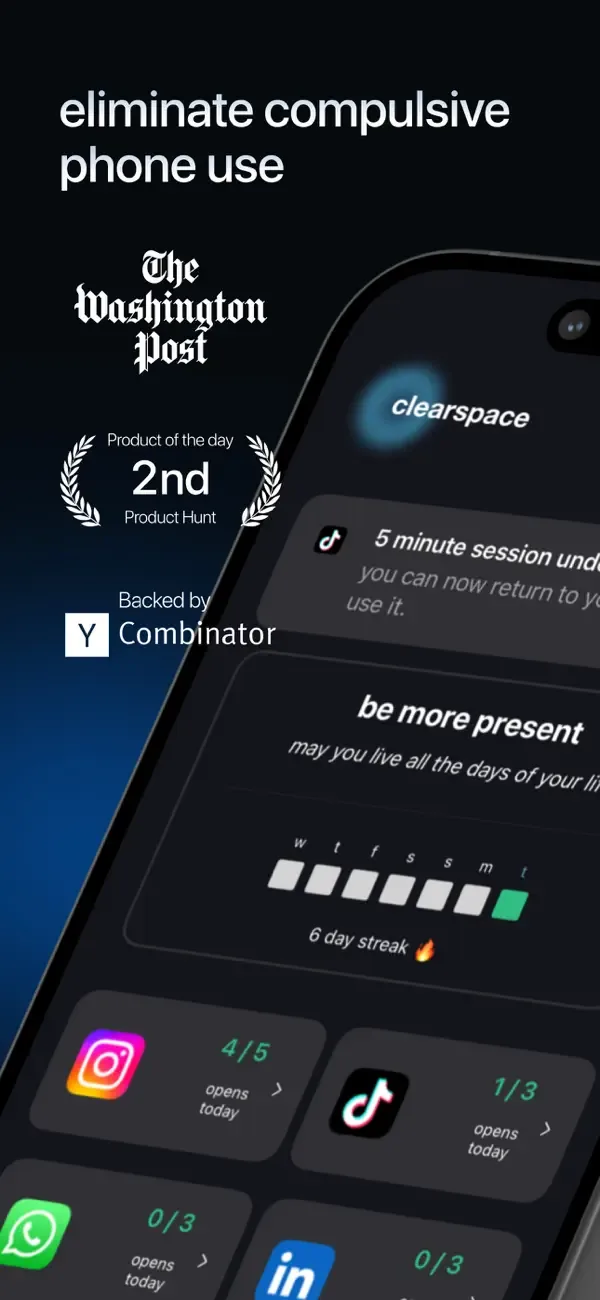
ClearSpace focuses on interrupting impulsive app use with limits, pauses, schedules and accountability. You pick your distracting apps and set deliberate windows for opening them.
There's a free tier. App Store options for Premium include $6.99 a month and $44.99 a year, plus family and promotional prices.
Best fit: People who want a pause-and-decide routine with accountability.
8. AppBlock: Best for Strict Schedules and Allowlists
AppBlock offers app and website blocking, scheduled restrictions, usage limits, an allowlist and Strict Mode. The allowlist keeps maps, banking, messaging and work tools available while entertainment apps stay blocked.
The free version covers core blocking, and Premium unlocks broader controls. The listing shows $4.99 a month and $29.99 a year among its options.
Best fit: People who want restrictions that are deliberately hard to override.
Which Digital Wellbeing App Should You Choose?
Name the habit you want to change, then start with the app built for it.
| Your problem | Start with |
|---|---|
| You need scheduled deep focus | Opal |
| You open apps without thinking | one sec |
| You want strong free controls | ScreenZen |
| Distraction moves between phone and computer | Freedom |
| Goals and streaks keep you going | Roots |
| You want flexible rules on Apple devices | Jomo |
| You want pauses plus accountability | ClearSpace |
| You need strict blocks and allowlists | AppBlock |
No blocker can fix an environment that constantly demands your attention. Apps work best when they support one clear rule, such as "no social media before breakfast" or "block news for the first 90 minutes of work." They work less well when they try to judge every minute of phone use.
If you want to use your phone time better rather than just less, our mental wellness apps comparison covers journaling, mood tracking and meditation. For guided calm without a subscription, see our free meditation apps guide.
FAQs
What Is the Best Free App to Reduce Screen Time?
ScreenZen is one of the strongest free options, because its core blocking and delay tools don't need a subscription. one sec also lets you use its pause on one app for free. Most other apps here pair free controls with a paid tier.
Is an App Blocker Better Than Apple's Screen Time?
Not automatically. Apple's Screen Time can be enough for simple limits and downtime. Third-party apps help when you need stricter enforcement, blocking across devices, mindful pauses, complex schedules or accountability.
What Is the Difference Between one sec and a Normal App Blocker?
one sec adds a pause before an app opens instead of always blocking it. That interrupts the automatic habit while still letting you use the app on purpose.
Which Screen Time App Is Hardest to Bypass?
Several apps offer strict modes, including Opal, Roots and AppBlock. How hard they are to bypass depends on device permissions and settings, so we don't claim any one is impossible to get around. Set strict modes carefully so essential apps stay available.
Can Reducing Screen Time Improve Mental Health?
It depends on what you're doing on your screen, why and what it replaces. A blocker can support more intentional use, but it isn't a treatment for anxiety, depression, ADHD or other conditions.
Sources
- Opal on the App Store
- Opal brand kit
- one sec on the App Store
- ScreenZen on the App Store
- Freedom on the App Store
- Roots on the App Store
- Jomo
- Jomo on the App Store
- ClearSpace on the App Store
- AppBlock on the App Store
Prices were checked against US App Store listings in early November 2026 and can change.