Many people start looking for MyFitnessPal alternatives for one reason: barcode scanning. MyFitnessPal's support center says that since October 1, 2022, Barcode Scan has been available only with a Premium subscription. The free food diary still works, but logging packaged food by typing takes longer.
The good news is that several alternatives scan barcodes for free, and some go further on nutrients or targets. We compared four using each app's official App Store listing, checked in November 2026. This is a research-based comparison, not a hands-on test, and no app paid to be included.
MyFitnessPal Alternatives at a Glance
| App | Best for | Free barcode scanning | Paid plan |
|---|---|---|---|
| MyNetDiary | The most generous free tier | Yes | Premium; Premium Plus with AI Coach |
| FatSecret | A simple free diary | Yes | Optional Premium for meal plans |
| Cronometer | Vitamins and minerals | Yes | Gold |
| MacroFactor | Targets that adapt to your progress | Paid app | $71.99/year or $11.99/month |
What You Lose on MyFitnessPal's Free Plan
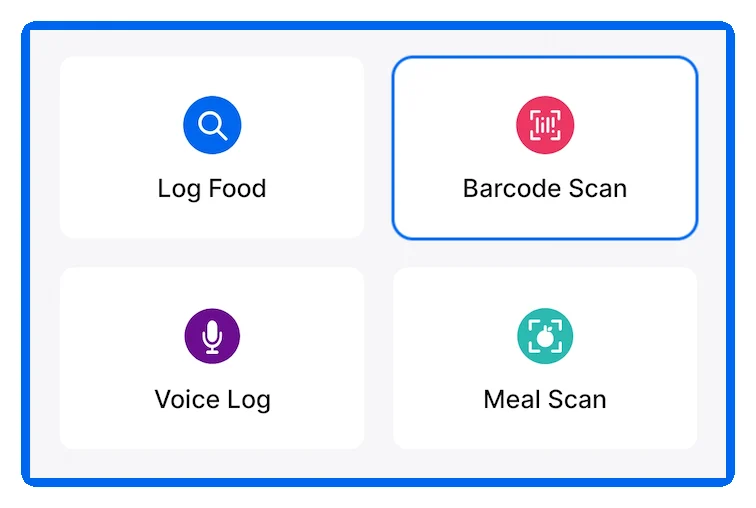
MyFitnessPal's App Store listing puts barcode scanning, meal scanning and voice logging in Premium, along with ad-free logging. Premium Plus adds nutrition-focused meal planning. The free plan still lets you log food by searching its database.
1. MyNetDiary: Most Generous Free Tier
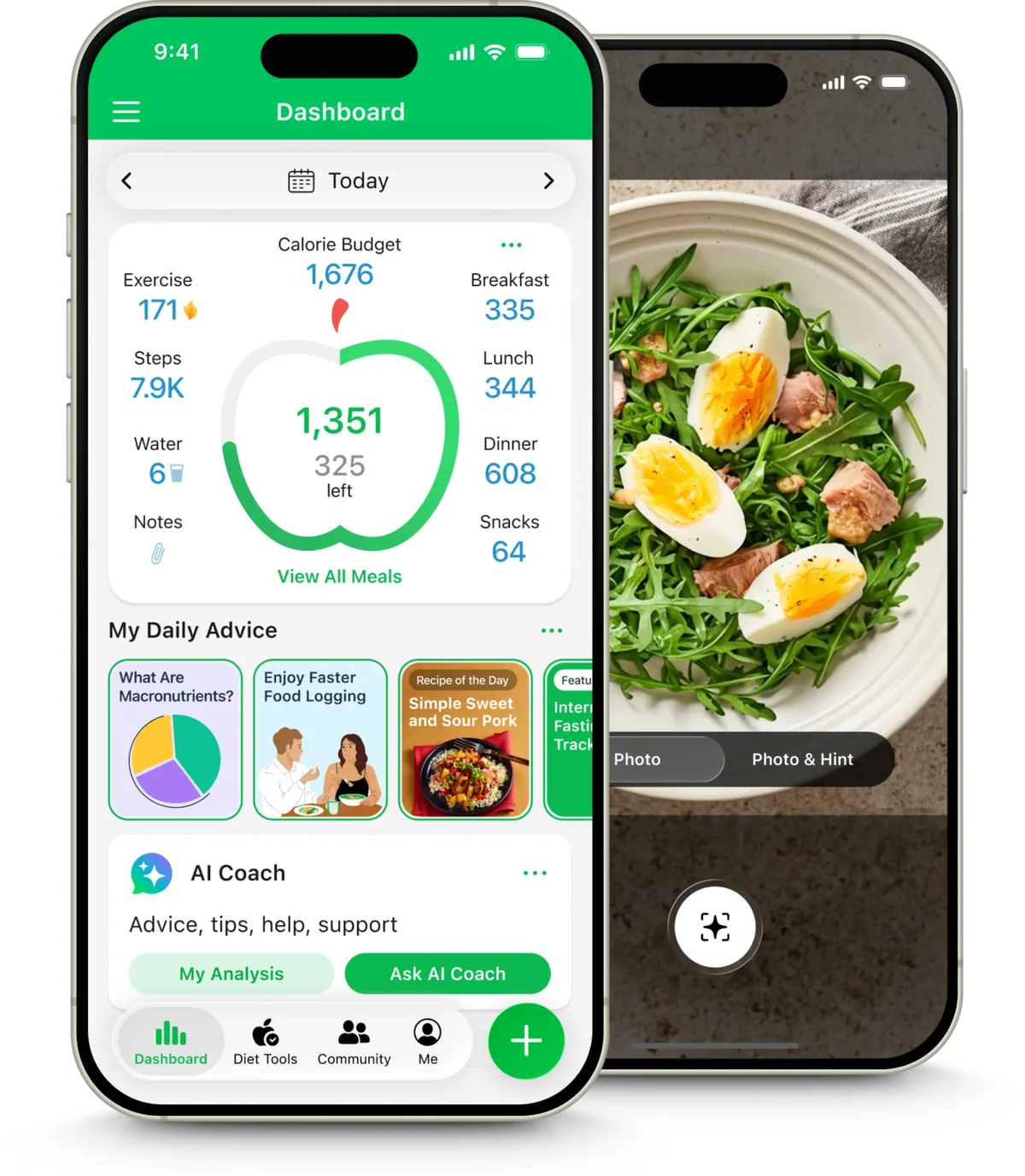
MyNetDiary's free version includes what MyFitnessPal charges for. Its App Store listing names a free barcode scanner, Meal Scan photo logging, macro tracking and 108 nutrients, with no ads and no account required. It also offers Professional Connect, which lets you share your diary with a dietitian, coach or doctor.
Choose MyNetDiary if you want free barcode scanning and detailed nutrients in one app.
2. FatSecret: Simplest Free Diary
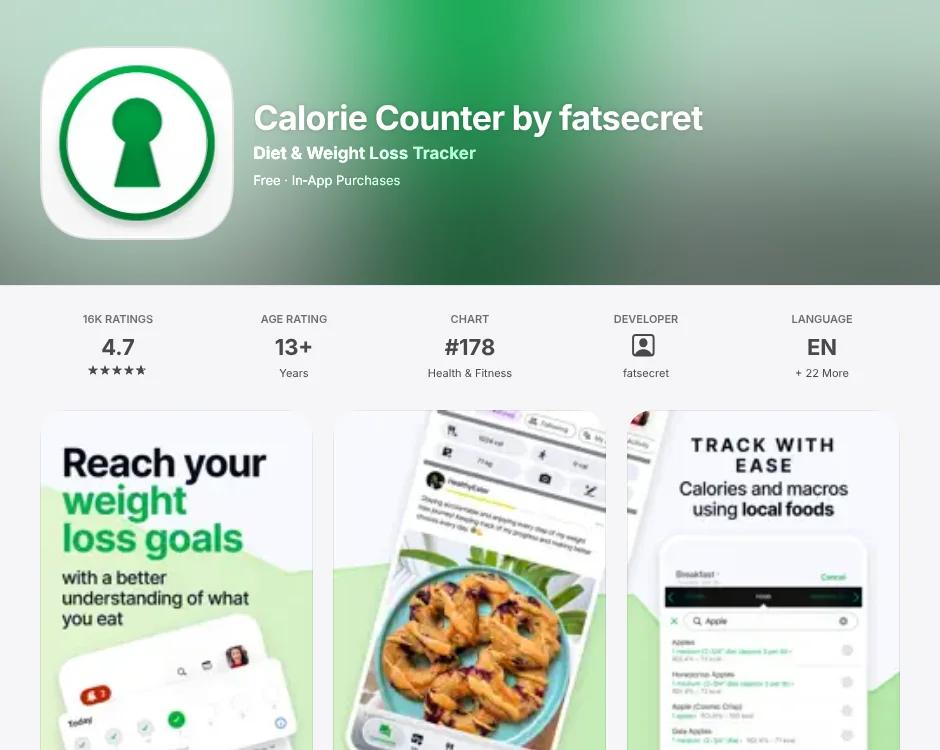
FatSecret says its free version "includes all the features you need." That includes a food diary, exercise and weight tracking, and a barcode scanner. Premium is optional and adds dietitian-created meal plans, advanced meal planning, extra meal headings and water tracking. Like MyNetDiary, it can give a health professional free access to monitor your progress.
Choose FatSecret if you want a straightforward, free food log.
3. Cronometer: Best for Nutrient Detail
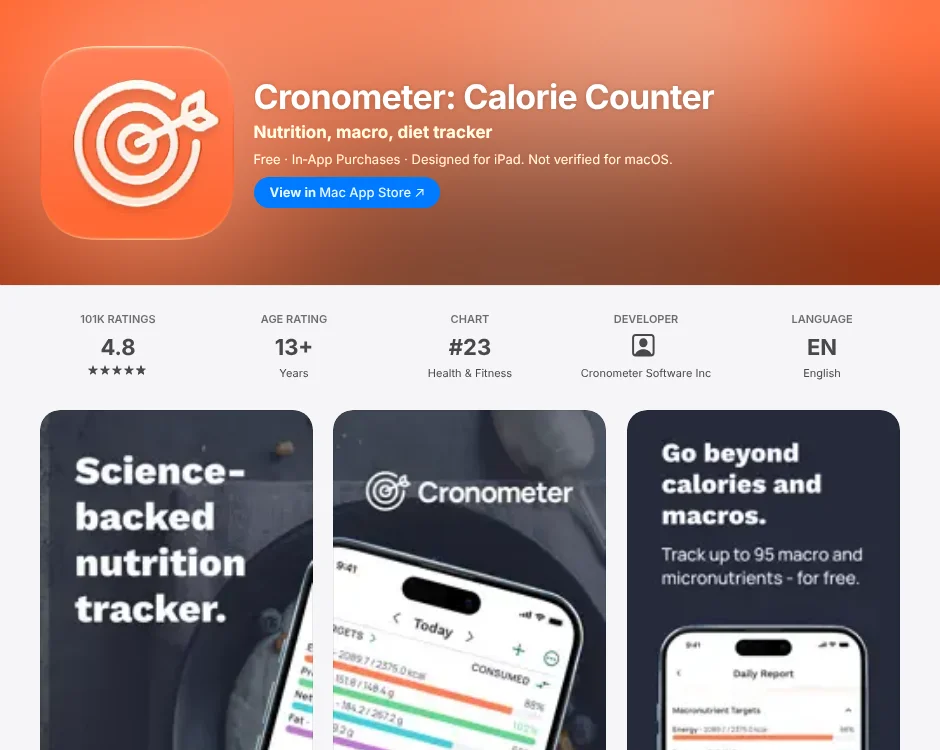
Cronometer goes beyond calories and macros. Its listing says it tracks more than 95 vitamins and minerals and uses a curated database of more than 1.1 million verified foods. The detailed diary is free, and the listing says you can scan barcodes for free. Cronometer Gold adds photo and voice logging, a fasting tracker, a recipe importer and an ad-free experience.
Choose Cronometer if you care about micronutrients, such as iron, vitamin D or fiber.
4. MacroFactor: Targets That Adjust to You
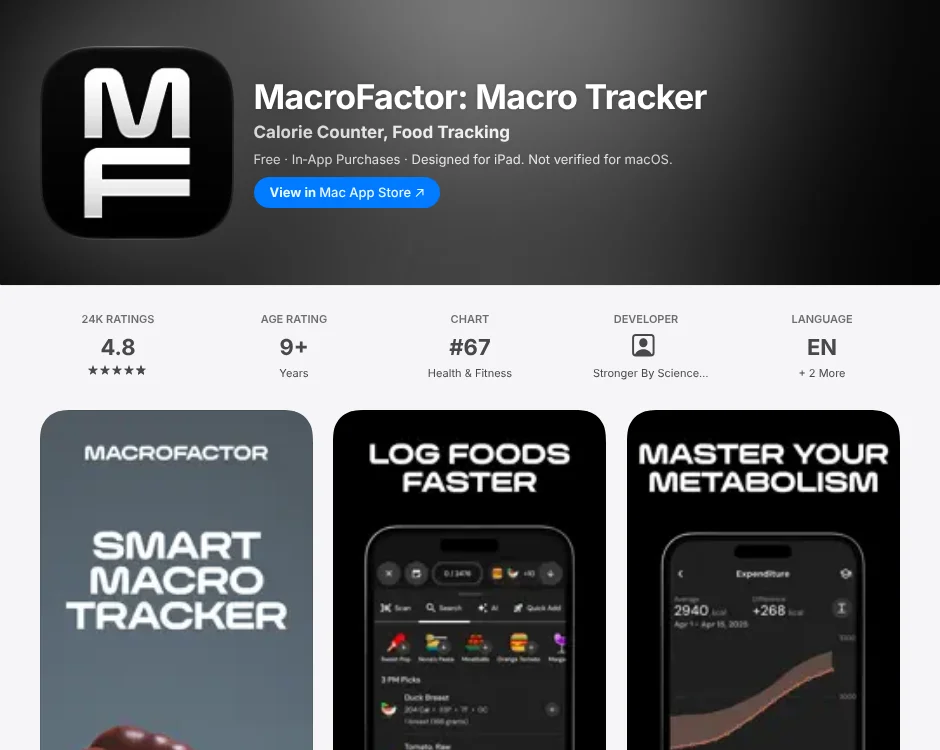
MacroFactor works differently from a plain food diary. Its listing describes an adaptive coach that estimates how many calories you actually burn from your food logs and weight trend. It then adjusts your calorie and macro targets at weekly check-ins. You can log by photo, description, voice, barcode or nutrition label, and its verified database has more than 1.36 million entries.
It's a paid app: $11.99 a month, $47.99 for six months or $71.99 a year.
Choose MacroFactor if you log consistently and want targets that adapt as your weight changes.
Database Quality Matters More Than Size
A huge food database isn't helpful if entries are wrong. User-added foods can have missing nutrients, wrong serving sizes or duplicates. Cronometer and MacroFactor both highlight verified databases for this reason. Whatever app you use:
- Weigh food in grams when accuracy matters, rather than estimating cups or slices.
- Check the serving size on any entry before you log it.
- Prefer verified entries over user-submitted ones when both appear.
- Treat totals as estimates. Even a careful log is approximate.
Try a Seven-Day Switch Test
Before you move years of data, log the same meals in a new app for a week:
- Scan five packaged foods you buy often. Do they match the labels?
- Log a recipe you cook regularly. Is it easy to save and reuse?
- Log a restaurant meal. Does the app have a reasonable entry?
- Check the free tier. Did you hit a paywall for anything you need?
- Look for export. Can you take your data with you later?
Food tracking isn't right for everyone. If detailed logging makes you anxious, or you have a history of disordered eating, talk with a doctor or registered dietitian first. If you want coaching rather than just a diary, see our Noom alternatives comparison. For the bigger picture on wellness spending, read our wellness statistics. The Macro Calculator can turn a calorie target into grams of protein, carbs and fat.
FAQs
Does MyFitnessPal Still Have a Free Barcode Scanner?
No. MyFitnessPal's support center says that since October 1, 2022, Barcode Scan has required a Premium subscription. The free plan still lets you search and log foods.
What Is the Best Free Alternative to MyFitnessPal?
MyNetDiary has one of the most generous free tiers, with a free barcode scanner, photo logging and 108 nutrients. FatSecret and Cronometer also include free barcode scanning.
Is Cronometer Better Than MyFitnessPal?
For nutrient detail, often yes. Cronometer tracks more than 95 vitamins and minerals and uses a curated database of verified foods. MyFitnessPal is broader and simpler for quick calorie and macro logging.
Is MacroFactor Worth Paying For?
It can be if you log consistently. MacroFactor adjusts your calorie and macro targets weekly based on your food logs and weight trend. It costs $71.99 a year or $11.99 a month, with no free tier.
Sources
- MyFitnessPal Support, How to Use the Barcode Scanner. Barcode Scan requires Premium since October 1, 2022.
- MyFitnessPal, Apple App Store listing. Premium and Premium Plus features.
- MyNetDiary, Apple App Store listing. Free features.
- FatSecret, Apple App Store listing. Free and Premium features.
- Cronometer, Apple App Store listing. Nutrients, database and Gold features.
- MacroFactor, Apple App Store listing. Adaptive coach, database and pricing.